

Google Workspace

Cloud-based productivity and collaboration suite for nonprofits and social purpose organisations

Google Workspace is a suite of cloud-based productivity and collaboration tools that includes applications for email (Gmail), word processing (Docs), spreadsheets (Sheets), presentations (Slides), cloud storage (Drive), and video conferencing (Meet). It enables real-time collaboration and remote work.
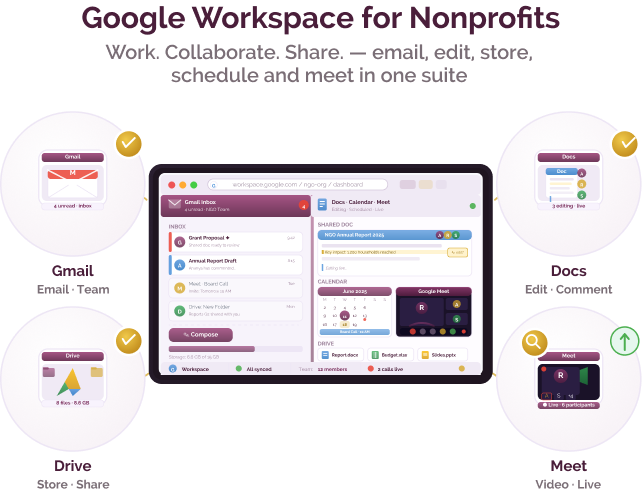
Coordinating communication and documents across teams and locations

Challenge
check

Nonprofits often rely on a mix of email, messaging, and document tools that are not fully integrated. Programme teams working across locations face challenges in sharing files, collaborating in real time, and maintaining version control. Communication with donors, partners, and internal teams can become fragmented, especially as organisations grow.

Solution
check

Google Workspace provides a unified set of tools for email, document creation, storage, and collaboration, enabling teams to work together in real time across locations.

Key capabilities of Google Workspace

Core capabilities that support communication and collaboration

Email and calendar (Gmail, Calendar)

Manage organisational communication and scheduling through a central system

Document collaboration (Docs, Sheets, Slides)

Create and edit documents in real time with multiple users

Cloud storage (Drive)

Store, organise, and share files with access control

Communication tools (Meet, Chat)

Enable video meetings and team communication

Indian language support

Supports multiple Indian languages across input, interface, and content creation

Pricing for nonprofits

Google for Nonprofits (free tier)

  • Includes free access to basic Workspace tools (Gmail, Docs, Drive, Meet) for eligible organisations

Business Starter / Standard / Plus

  • Paid upgrades for increased storage, security, and admin controls

Nonprofit access

  • Eligible nonprofits can access discounted or free plans through Google for Nonprofits

Best suited for which nonprofits?

Organisations coordinating across teams and locations

Strong fit for collaboration and communication

Organisations moving from offline or fragmented systems

Helps centralise documents and communication

Small to large nonprofits

Scales from basic usage to enterprise-level deployment

Frequently Asked Questions

When should a nonprofit use Google Workspace?

When teams need a central platform for communication, document collaboration, and file storage

When is it not the right fit?

If there are strict data residency requirements that require fully self-hosted systems

Is Google Workspace free for nonprofits?

Basic access is available through Google for Nonprofits; advanced features require paid plans

Can it replace other office tools?

Yes, it can replace email, document creation, and file storage tools

Does it require technical setup?

Initial setup requires domain configuration and admin setup, but ongoing use is straightforward

Want to learn more?

The information provided here is created as a community resource and is not intended as professional advice or a recommendation by ILSS or Koita Foundation. While we strive to ensure the accuracy of the content, we do not take responsibility for any errors or omissions. Users should use their own discretion before making any decisions based on this information. ILSS or Koita Foundation assume no liability for any actions taken based on the information provided.