


Team collaboration
Work on shared documents across teams using Microsoft tools
Read Full Case Study
Files are stored across local systems, emails, or multiple tools, making access inconsistent
Version control becomes difficult when documents are shared across teams
Collaboration is fragmented when tools are not integrated
Teams working across locations lack a centralised file system
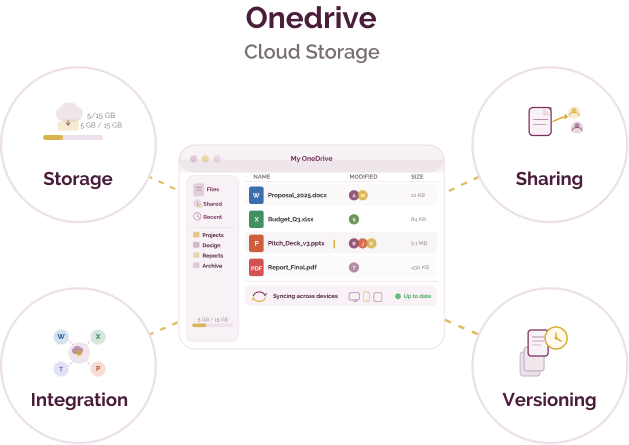
Tools like OneDrive help organisations store files centrally, enable controlled sharing, and collaborate through integrated Microsoft tools
Core capabilities that support centralised file storage and integrated collaboration across teams
See how organisations use cloud storage within integrated work environments
OneDrive is typically included as part of Microsoft 365 plans
Free plan
Available for nonprofits, governments, and humanitarian organisations.
Microsoft 365 plans
Start from ~$6/user/month (varies by plan)
Includes storage, collaboration tools, and admin controls
Nonprofit access
Discounted or free access may be available through Microsoft for Nonprofits
The information provided here is created as a community resource and is not intended as professional advice or a recommendation by ILSS or Koita Foundation. While we strive to ensure the accuracy of the content, we do not take responsibility for any errors or omissions. Users should use their own discretion before making any decisions based on this information. ILSS or Koita Foundation assume no liability for any actions taken based on the information provided.